
Safeguarding & Online Safety

Safeguarding is at the heart of everything we do...
At Webster Primary School, we are committed to creating a safe, nurturing and supportive environment where every child can learn, grow and thrive. Our staff, governors and wider community work together to protect pupils both in school and online through clear policies, robust procedures and a strong culture of care. Safeguarding at our school extends far beyond preventing deliberate harm; it includes supporting mental health, meeting the needs of pupils with SEND or medical conditions, ensuring safe educational visits and online safety, and maintaining secure premises. It also covers issues such as bullying, discrimination, extremist behaviour, child exploitation, substance misuse and domestic violence, helping us maintain a vigilant, child-centred culture where children feel safe, valued and confident to share any worries.
To uphold this commitment, all staff receive thorough safeguarding training and work together to respond quickly and appropriately to any concerns. We collaborate closely with external professionals and agencies to support vulnerable pupils and place children’s wellbeing at the heart of every decision we make. Safeguarding is embedded in our curriculum, teaching children age-appropriate skills to help them stay safe in school, online and in the community. Our school uses CPOMS to ensure information is recorded and shared securely and effectively.
Our Designated Safeguarding Lead (DSL) is Mr Proudlock
In his absence, Ms Rauf, Miss Allen or Mrs Mills would take on this role
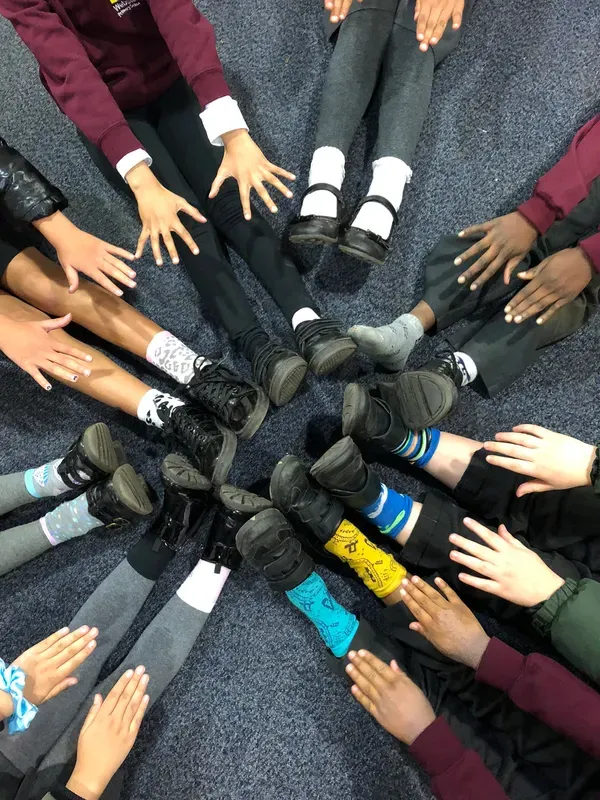
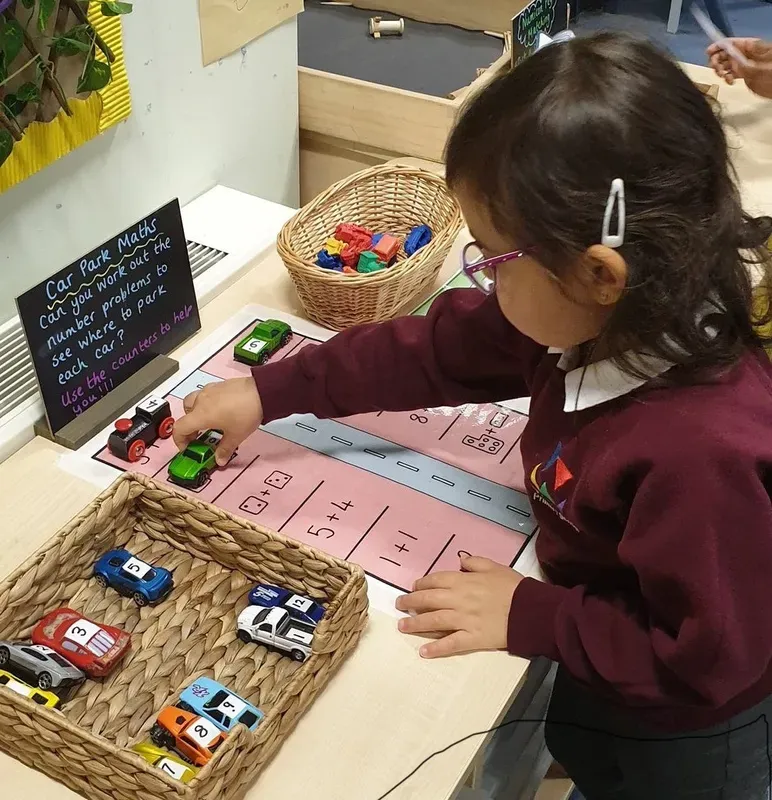
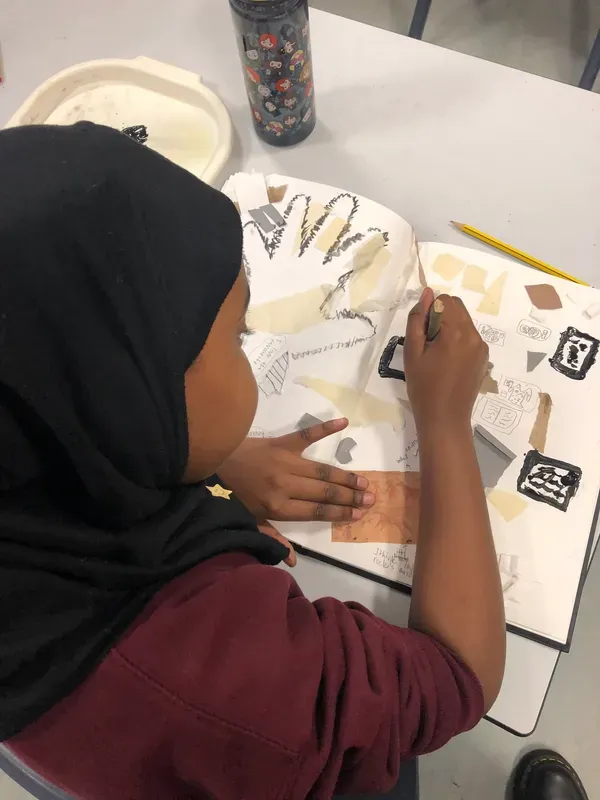
Read on for our latest newsletter, safeguarding policies and signposting to lots of useful information and resources.
Operation Encompass
Our school is proud to be part of Operation Encompass, a joint initiative between local schools and Greater Manchester Police. The programme ensures that when police attend incidents of domestic abuse where children are present, the school is informed quickly and confidentially. This early sharing of information allows us to offer timely, sensitive support to any child who may have been affected.
Operation Encompass creates a direct and secure line of communication between the police the Designated Safeguarding Lead. This means we can recognise a child’s situation discreetly and provide a safe, supportive environment for them from the very start of the school day. By responding promptly, we can help protect children from the short- and longer-term impacts of domestic abuse.
Founded in 2011 as a national charitable organisation, Operation Encompass has supported thousands of children across the country. The charity works to ensure that schools and police forces follow a consistent, compassionate approach when supporting young people who have experienced or witnessed domestic abuse. At the heart of the initiative is the belief that children are victims in their own right and deserve understanding, protection, and immediate care.

What to do if you are worried about a child
If you’re worried that a child or young person is at risk or is being abused contact the children’s social care team on 0161 234 5001. You’ll be asked for your details, but you can choose not to share them.
Call 999 if the child is at immediate risk.
What to report
Child abuse includes physical, sexual and emotional abuse, and neglect. You can read more about the signs of child abuse here.
You do not need to be sure that a child or young person has been abused - it’s OK to report a suspicion.
What happens when you report it
The person who answers your call will decide what to do. For example, they might:
• Gather more information
• Ask a social worker to look into it
• Contact the police, if they think the child is at immediate risk or a crime has been committed
The children’s social care team will tell you what happens next, but they will not be able to give you any confidential information.
Online Safety
Click HERE to find out about our fantastic Digital Ambassadors...
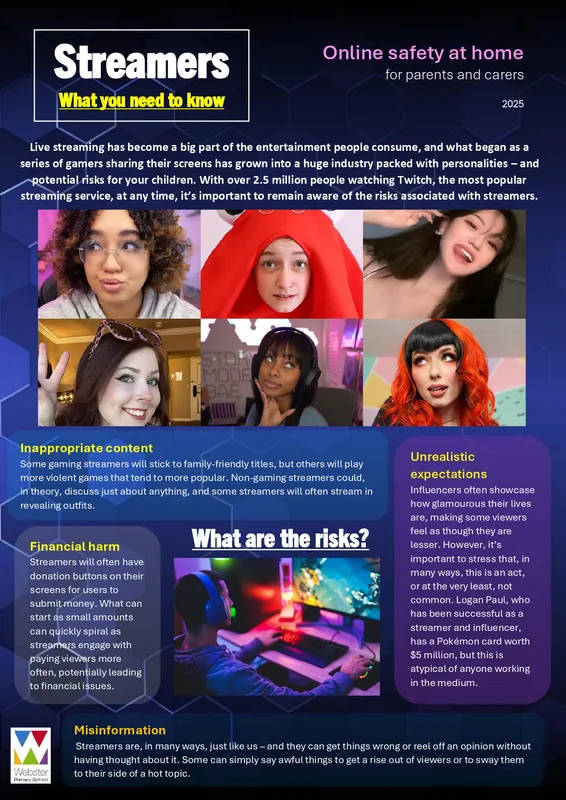
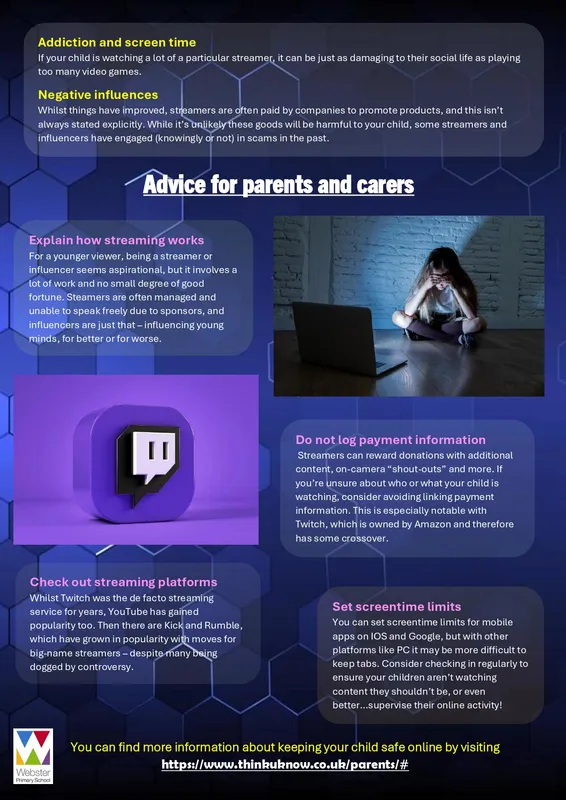
Here is the latest online safety newsletter, all about Streamers...
click to enlarge
Find more newsletters about...
TikTok, Snapchat, Mobile phones, Online gaming, Fortnite, Roblox, Inappropriate content, Trolling and Screen time
Keep Safe Online





These sites were established to help parents understand what their children might be doing online, and how to make the internet as safe as possible.
Click on the buttons above to find out more about...
-
-
-
-
-
-
-
-
-
-
-
- Social networking
- Online gaming
- Setting up parental controls
- Finding age-appropariate games and apps
- Chatting
- Downloading and viruses
- Using mobile internet
- Issues that might affect your child
- Supporting pre-school, primary and teenagers to use the internet
- Online learning tips for parents
-
-
-
-
-
-
-
-
-
-
Useful links

ThinkUknow - For Children and Parents
ThinkUknow is a fantastic site for learning how to keep safe while on the internet. Click the icon above to find their homepage.
If you are a child, click on your age group and you will find lots of games, videos and activities.
If you are a parent, read the parents' section and talk to your child about how to stay safe online.
If you have any concerns about cyber-bullying, do let us know at school and we will help!

CEOP Internet Safety Centre
CEOP helps any child or young person under the age of 18 who is being pressured, forced or tricked into taking part in sexual activity of any kind. This can be something that has taken place either online or in ‘the real world’, or both.
The CEOP Safety Centre has clear information and advice on what can be reported to CEOP, the reporting process and what will happen if you do decide to make a report.
You can visit the CEOP Safety Centre and make a direct report by clicking the CEOP button above.
The NSPCC launched a dedicated helpline for children and young people who have experienced abuse at school, and for worried adults and professionals that need support and guidance, including for non-recent abuse.
Call the NSPCC helpine, Report Abuse in Education on 0800 136 663 or email help@nspcc.org.uk.


